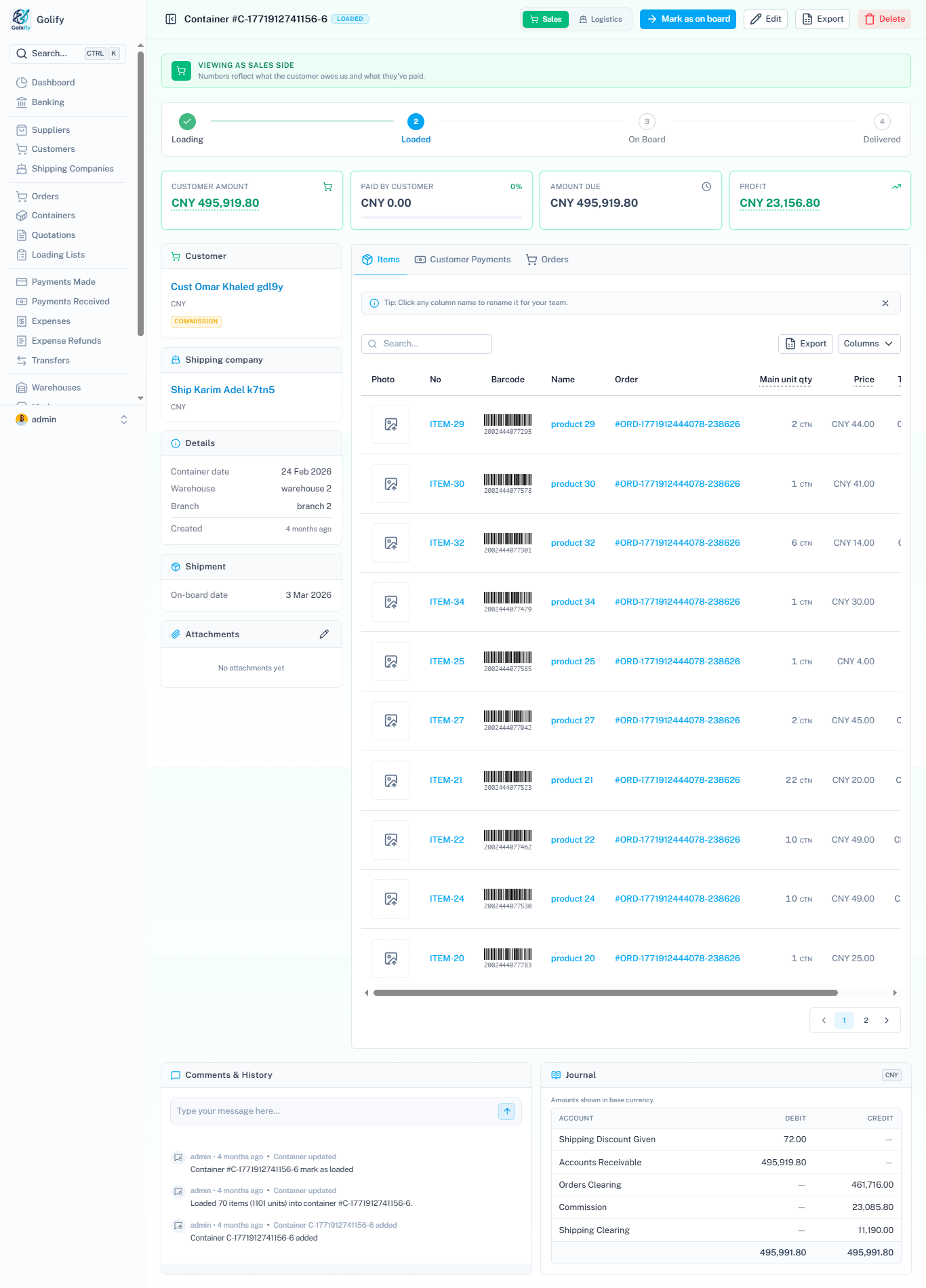
Move a container through its whole journey inside Golify. Load items straight from a loading list, mark it Loaded (with commission pricing when you need it), then capture the shipment details as it goes On board — all from the detail header.
- Load to container directly from a loading list.
- Mark as Loaded — including commission-priced containers.
- Go On board — capture bill of lading, ship info and charges in one step.
- Edit anytime with a clear status stepper guiding the flow.