
User & Role Management

Feature 8

User & Role Management

Enterprise-grade access control with 270+ granular permissions and custom roles.

What is it?

Enterprise-grade access control with 270+ granular permissions. Create custom roles, assign specific capabilities to each team member, and ensure everyone sees only what they need.

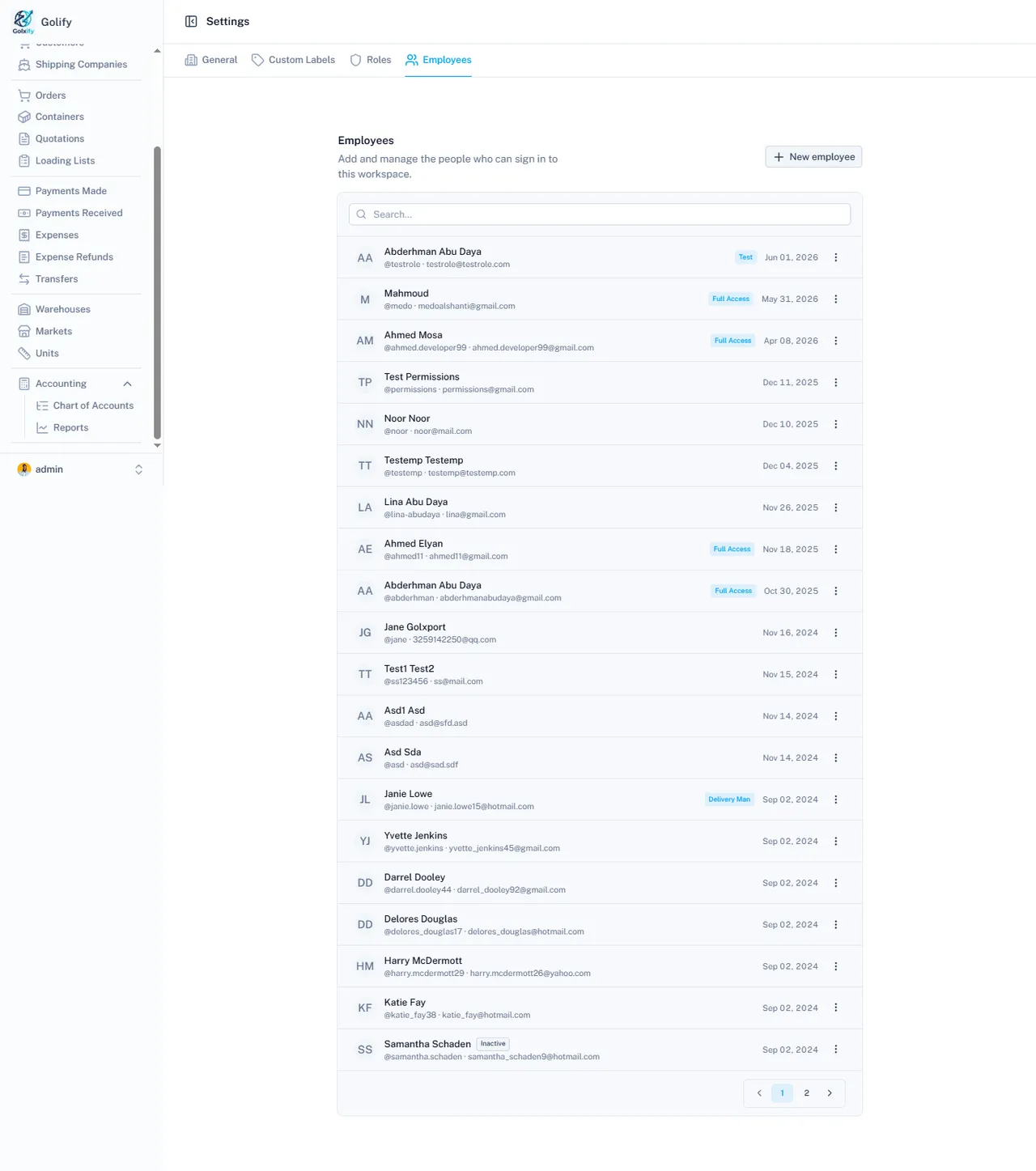
app.golify.com/settings/employees
Employee management and roles in Golify

Key Capabilities

User Management

  • Create user accounts with username, email, phone, and profile picture
  • Set personal details: name, gender, preferred theme (dark/light)
  • Activate or deactivate users without deleting their data
  • Protected owner account that cannot be deleted
  • Email verification for security

Role-Based Access Control

  • Create custom roles (e.g., Sales Manager, Accountant, Warehouse Staff)
  • Assign any combination of permissions to each role
  • Assign multiple roles to a single user
  • Update role permissions: changes apply to all users with that role
  • Pre-defined role templates for quick setup

270+ Granular Permissions

  • Orders: Create, Edit, View, Delete, Transfer Items, Receive, Mark Status
  • Containers: Create, Edit, View Sales Profit, Change Status
  • Suppliers/Customers: Full CRUD + payment management
  • Accounting: Create Accounts, Edit, View Reports, Journal operations
  • Every module has separate Create, Read, Update, Delete permissions

Direct Permission Override

  • Assign permissions directly to users (bypasses role)
  • Give specific users extra access without changing their role
  • Useful for temporary access or special responsibilities

Performance and Security

  • Permission caching for fast authorization checks
  • Cache auto-clears when roles or users change
  • Every API request validates user permissions
  • JWT-based authentication with encrypted passwords

Business Value

Your sales team sees only customers. Your accountant sees only financials. Your warehouse staff sees only inventory. 270+ permissions mean you control exactly who can do what.

Ready to streamline your operations?

Get Started